What's My IP?
See the public IPv4 or IPv6 address this server receives from your connection.
Uses protected server processingWhat this tool does
What's My IP? shows the public address that reaches the EvoraTools server through the site's trusted proxy headers. It is useful for checking the outward-facing address of a home, mobile, office, or VPN connection. The result can differ from a device's private LAN address, may change over time, and does not by itself identify a person or exact physical location.
What is my public IP address?
The value displayed by the tool is the IPv4 or IPv6 address the EvoraTools server receives for this request.
A public IP identifies the connection endpoint visible to internet services
Internet services receive a source address when a connection reaches them. Depending on the network, that address may belong directly to the device, a router performing NAT, a mobile carrier, a corporate gateway, a proxy, or a VPN service.
How it works
The browser requests a private no-cache EvoraTools endpoint. The server reads the client address supplied by the deployment proxy, classifies it as IPv4 or IPv6, and returns it to this page. No third-party IP lookup service is contacted.
Key concepts
Public and private addresses differ
A device can use a private address such as 192.168.x.x locally while a router or carrier exposes another address to the internet.
VPNs and proxies change what servers see
When traffic passes through an intermediary, the displayed public address commonly belongs to that intermediary.
When to use it
- Check whether a VPN changed the visible address.
- Find the public address needed for an allowlist or support request.
- Compare a public address with a private LAN address.
When not to use it
- Do not treat an IP address as proof of a person's identity.
- Do not assume the displayed address is permanently assigned.
- Do not use the result alone to determine precise location or trust.
Worked examples
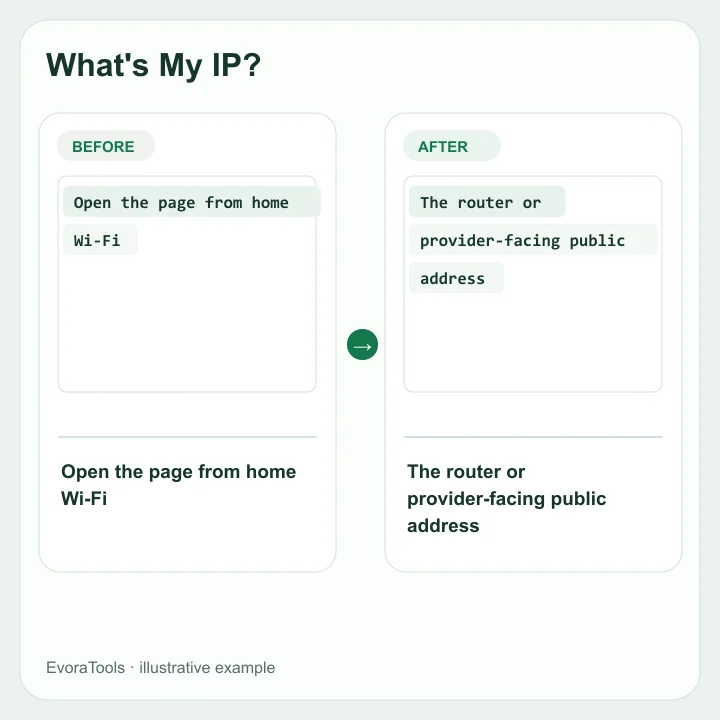
Home router
- Input
Open the page from home Wi-Fi- Expected output
The router or provider-facing public address
Several devices may share it through NAT.
VPN check
- Input
Check before and after enabling a VPN- Expected output
The address may change
The VPN exit server becomes visible to the site.
Mobile network
- Input
Open the page using cellular data- Expected output
A carrier address
Carrier-grade NAT can make many subscribers share an address.
Common mistakes
Confusing it with a LAN address
The public address is not necessarily the address shown in local Wi-Fi settings. Correction: Use network settings for the private address and this page for the public address.
Assuming it never changes
Many providers use dynamic assignments. Correction: Recheck it when configuring temporary allowlists.
Treating IP as identity
Addresses may be shared or reassigned. Correction: Use proper authentication rather than IP identity alone.
Best practices
- Copy the address only into a destination you trust.
- Recheck after changing VPN or network connection.
- Prefer authentication over IP-only access rules.
Related operations and differences
IP Address Validator
Choose IP Address Validator when you need to validate IPv4 or basic IPv6 syntax.; use What's My IP? specifically for whats my ip.
CIDR to Range
Choose CIDR to Range when you need to calculate an IPv4 network and broadcast address.; use What's My IP? specifically for whats my ip.
Private IP Checker
Choose Private IP Checker when you need to check common private and reserved IPv4 ranges.; use What's My IP? specifically for whats my ip.
cURL Command Builder
Choose cURL Command Builder when you need to build a basic cURL command from manual fields.; use What's My IP? specifically for whats my ip.
DMARC Record Generator
Choose DMARC Record Generator when you need to generate a basic DMARC policy record.; use What's My IP? specifically for whats my ip.
DNS Propagation Checker
Choose DNS Propagation Checker when you need to compare DNS answers from public resolvers.; use What's My IP? specifically for whats my ip.
Limitations and privacy
- Local development may not expose a public address through proxy headers.
- The result may represent a router, carrier, proxy, or VPN rather than one device.
- No geolocation, ISP ownership, reverse DNS, reachability, or reputation lookup is performed.
The endpoint returns the address to the requesting browser and instructs browsers and intermediaries not to cache the response.
The tool does not write the address to an application database; normal infrastructure access logs may still exist under the site's operational logging policy.
No third-party IP lookup API is contacted.
Frequently asked questions
Why is this different from my Wi-Fi IP?
Wi-Fi settings usually show a private LAN address; this tool shows the address visible to the EvoraTools server.
Will the address stay the same?
Not necessarily. Many internet providers assign addresses dynamically.
Does a VPN change it?
Usually, because the site sees the VPN exit connection.
Does the tool reveal my exact location?
No. An IP can sometimes suggest an approximate network region, but this tool performs no location lookup.